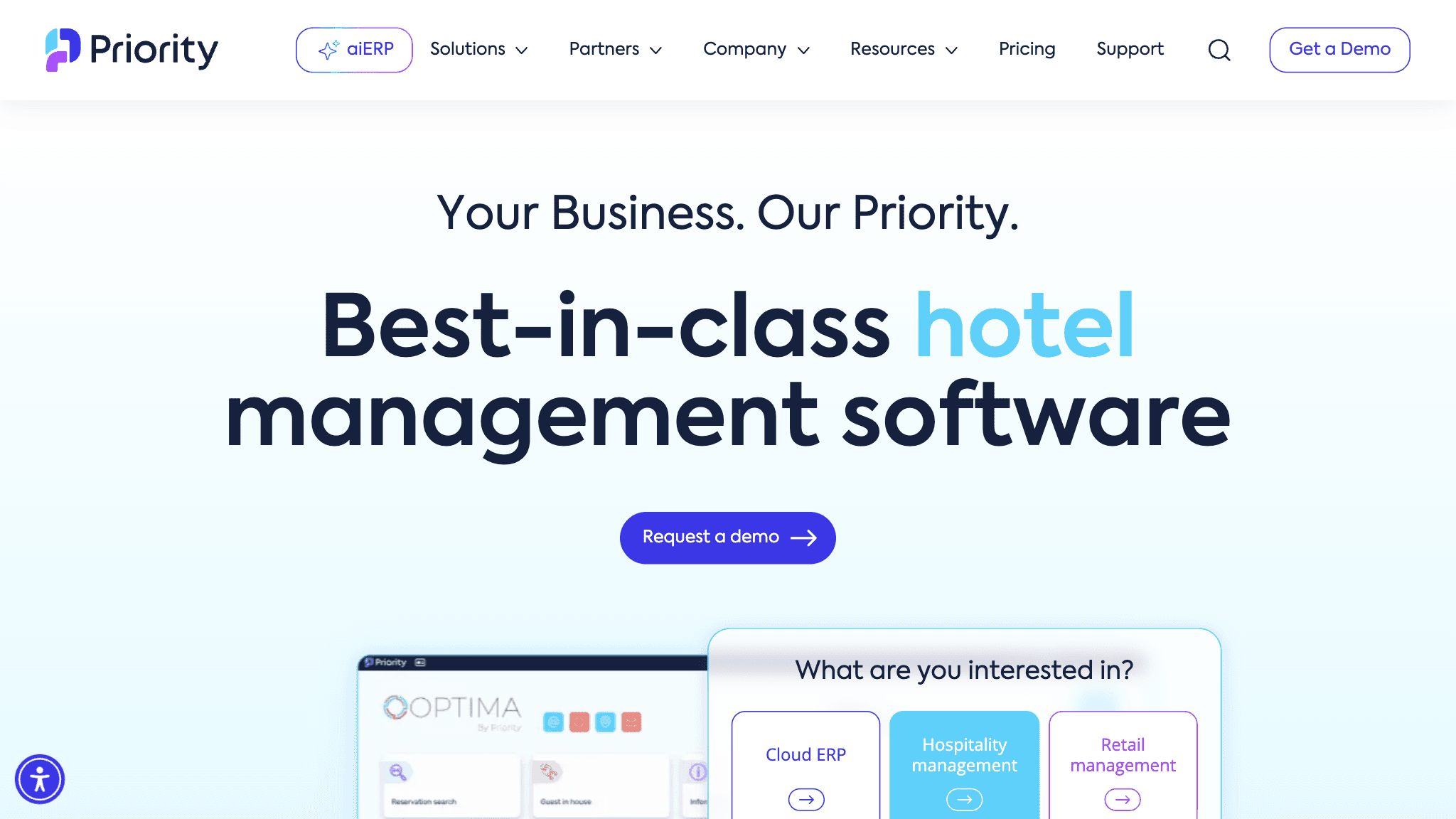
Priority Software provides integrated cloud ERP and business management solutions that help organizations manage operations, improve workflows and support growth. The platform spans web and mobile and supports enterprise users across many industries, people who use it every working day to get real work done.
I spent two years in the mobile team working on the React Native application for iOS and Android, alongside related web features in React.js and TypeScript. The goal was consistent, performant, production-ready business interfaces on every platform.
Complex ERP workflows on a small screen
Situation
ERP processes such as documents, approvals and operations follow detailed business rules that were designed for desktop. Users still need to complete them quickly on a phone.
How I handled it
I translated complex business logic into focused mobile flows, keeping each screen to one clear task and moving secondary details out of the way, and checked edge cases with backend and design before building.
Outcome
Enterprise workflows that can actually be completed on mobile.
- UX thinking
- Business logic
- Collaboration
Data entry people can trust
Situation
Much of enterprise mobile work is data entry. A form that accepts bad data, or rejects good data with an unclear message, costs users time and creates problems downstream.
How I handled it
I built multi-step data entry screens with careful validation and clear, field-level feedback, typed in TypeScript so the data reaches the backend in the right shape.
Outcome
Reliable data entry and fewer round trips between users and support.
- Form architecture
- TypeScript
- Attention to detail
Navigation that holds together as the app grows
Situation
An ERP app keeps gaining modules. Without a clear navigation structure, users get lost and developers fight the router.
How I handled it
I worked on mobile-native navigation patterns with React Navigation, structuring how users move between lists, details and multi-step flows.
Outcome
A navigation architecture the team could keep extending.
- Architecture
- React Navigation
- 1
Notifya document or task needs the user's action
- 2
Openthe user navigates from a list to the detail screen
- 3
Reviewkey business data is shown first, details on demand
- 4
Actapprove, reject or edit with validation before submit
- 5
Syncthe result is sent to the backend and reflected on web
- 1
Startthe user begins a new record
- 2
Filleach step validates its fields inline
- 3
Reviewa summary shows everything before submission
- 4
Submittyped data is sent to the backend
- 01
- 02
- 03
- 04
- 05
I worked with design and backend teams to keep a high-quality, production-ready product, raising questions about business rules early and keeping code reviews constructive. Jonathan Moshevich, the Mobile Team Lead who managed me for those two years, described me as "a talented react native dev and an asset to any team", which is the standard I aim for on every team I join.
| Technology | How I used it |
|---|---|
| React Native | Cross-platform enterprise mobile application |
| iOS | Platform target, with iOS-specific behaviour and release requirements |
| Android | Platform target, with Android-specific behaviour and release requirements |
| React.js | Responsive web product features |
| TypeScript | Typed business logic, forms and API contracts across web and mobile |
| Redux Toolkit | Typed state for enterprise records, forms and sync status |
| MMKV | Fast offline storage so field users can keep working without a connection |
| Redux Persist | Restoring app state and queued changes after restarts |
| Firebase | Push notifications for tasks, approvals and updates |
| Fastlane | Automated builds and releases to the App Store and Google Play |
| Jest | Unit tests for sync, validation and business rules |
| React Testing Library | Component tests for forms, lists and detail screens |
| GitHub Actions | CI for tests and mobile builds |
| SonarQube | Code quality gates across the mobile codebase |
Key areas of work:
- React Native mobile application for iOS and Android
- Cross-platform enterprise workflow interfaces
- Complex form handling and data validation flows
- Navigation architecture with React Navigation
- Responsive web product features with React.js and TypeScript